LIVEBea & the bridesmaidsWishing you a lifetime of happiness together!Grandma & GrandpaMay you grow old together. We love you both so much.PaoloA toast to the most beautiful couple tonight!Carlo & JenStay in love and stay best friends forever!azSlideWedding
Send a wish
Bea
Wishing you a lifetime of happiness together!
Send
New wish from Bea
Bea & the bridesmaids“Wishing you a lifetime of happiness together!”Grandma & Grandpa“May you grow old together. We love you both so much.”Paolo“A toast to the most beautiful couple tonight!”Marketing Team“Congratulations! The whole team is cheering for you.”Class of 2015“First wedding of our class. So much love to you both!”Carlo & Jen“Stay in love and stay best friends forever!”Tita Rose“What a beautiful wedding! Wishing you a long, happy life together.”Bea & the bridesmaids“Wishing you a lifetime of happiness together!”Grandma & Grandpa“May you grow old together. We love you both so much.”Paolo“A toast to the most beautiful couple tonight!”Marketing Team“Congratulations! The whole team is cheering for you.”Class of 2015“First wedding of our class. So much love to you both!”Carlo & Jen“Stay in love and stay best friends forever!”Tita Rose“What a beautiful wedding! Wishing you a long, happy life together.”
How it works
Send wishes in three steps
Guests don't need to install an app or create an account. They use their phone's browser.
01
Scan the QR
Print the code on table cards or invitations, or show it in a corner of the screen.
02
Add a photo and wish
Guests choose one photo, enter their name and a short wish, then tap send.
03
See it on screen
The new wish appears large on screen, then joins the loop. With moderation on, it waits for approval first.
No app or account~2 s to the screen
10 display modes
Choose how photos appear on screen
You can switch modes during the party. Select one below to see how it looks.
LIVE · Float up
Bea & the bridesmaidsWishing you a lifetime of happiness together!Grandma & GrandpaMay you grow old together. We love you both so much.PaoloA toast to the most beautiful couple tonight!
12 ready-made themes
Choose a theme for your wedding
Choose a theme, then add your own background, accent colour and names.
Andrea & Miguel
Ivory Editorial
Ivory paper, fine ink lines
Andrea & Miguel
Marble & Gold
White marble with gold veins
Andrea & Miguel
White Garden
White blooms, soft greenery
Andrea & Miguel
Olive Grove
Sunlit plaster, olive shadows
Andrea & Miguel
Coastal
Pale sea, soft sand
Andrea & Miguel
Terracotta
Clay tones, dried grasses
Andrea & Miguel
Blush Abstract
Modern shapes in blush and sand
Andrea & Miguel
Black Tie
Black with gold Art Deco lines
Andrea & Miguel
Champagne Lights
Warm bokeh on a dark ground
Andrea & Miguel
Midnight
Deep navy sky, faint gold stars
Andrea & Miguel
Dark Florals
Old-master florals on black
Andrea & Miguel
Emerald Palms
Tropical leaves, warm gold light
Features
Tools for your reception
Approve from your phone
To check submissions first, give someone you trust a secret link. They can approve, hide, edit, pin and reorder from their phone.
Waiting for approval
Grandma & GrandpaMay you grow old together. We love you both so much.
ApproveHide
Little Mia♥
ApproveHide
Tita RoseWhat a beautiful wedding! Wishing you a long, happy life together.
ApproveHide
Live on screen
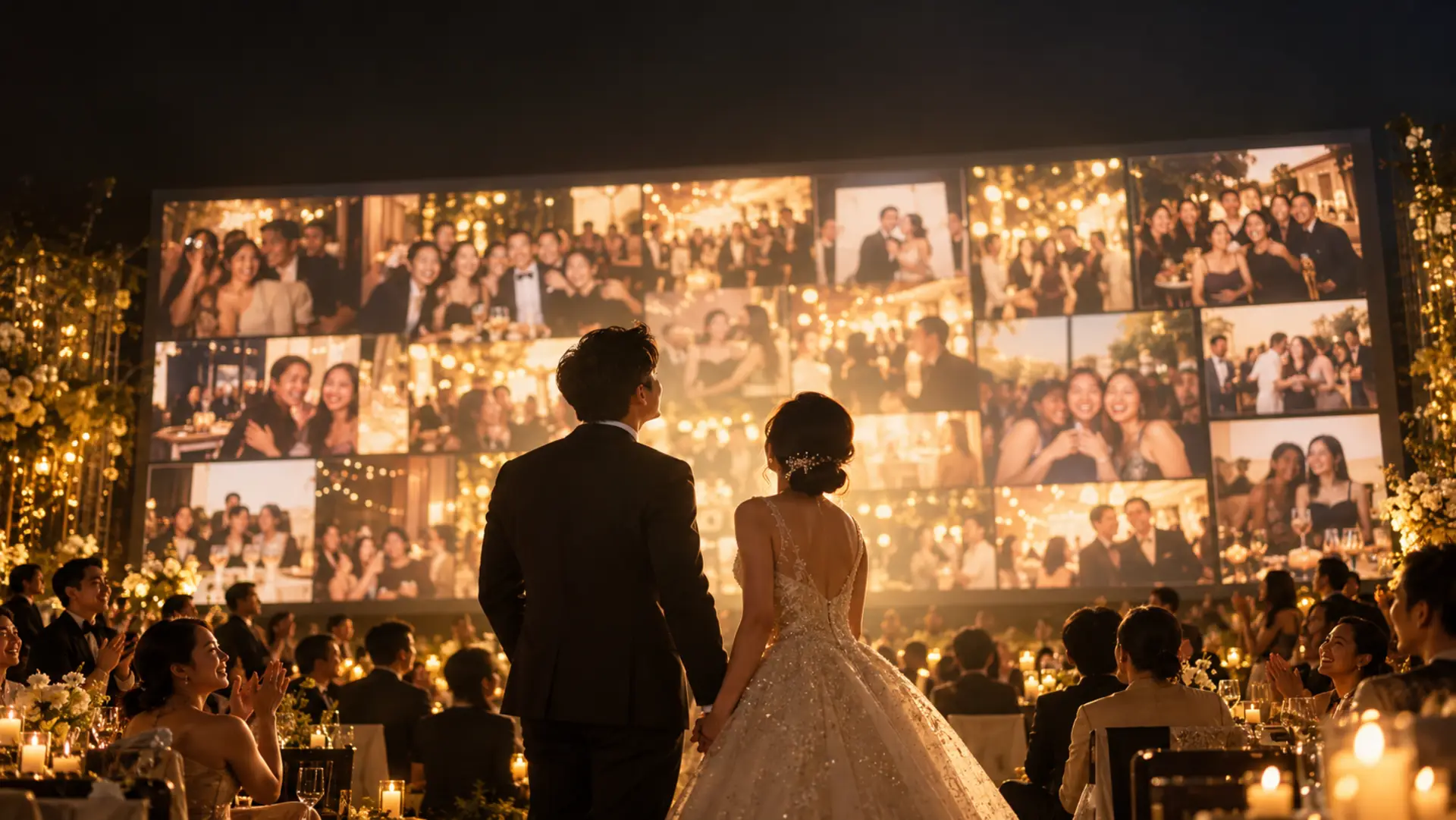
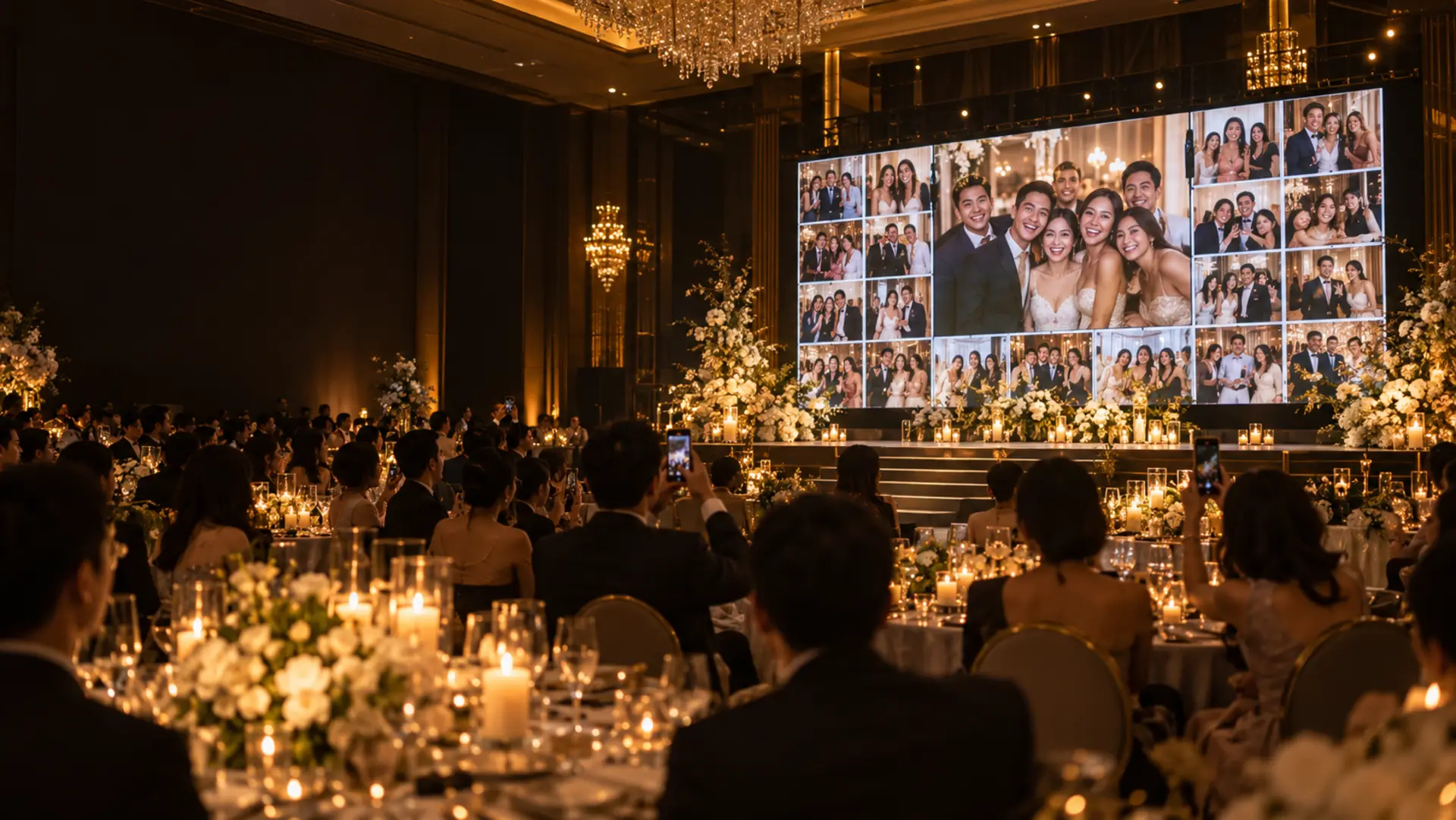
New wishes appear large on screen within seconds, then join the repeating slideshow.
~2s
QR ready to print
Download the QR code for invitations or print the ready-made standee for tables.
Download your album
Download the photos and wishes in a zip file, with a wish book you can print.
Two receptions
One package covers two receptions, such as the ceremony and the party. Each has its own QR code and screen.
Add your photos
Use your own background and accent colours, and show your couple photos between guests' wishes.
The reception screen saves photos it has already loaded and keeps showing them if the connection drops. New wishes sync automatically when the connection returns.
Who approves the photos?
With moderation on, you share a secret link with someone you trust, such as a bridesmaid or your planner. They can approve or reject submissions, edit wishes, pin them and change their order from their phone. You can moderate too, and switch modes at any time.
How long is our data kept?
Photos and wishes stay available for 30 days after the screen closes (5 days after the wedding). You can download the album zip throughout that period.
When does the screen open?
From 5 days before to 5 days after each reception. Before then, you can test your chosen theme with up to 10 photos.
Do guests need an app or an account?
No. Guests scan the QR code and use their browser to choose a photo, enter their name and send a wish.
Can we change the wedding date?
Yes, once per reception. You can no longer change it from one day before the date.
See your guests' wishes on screen
Try the live screen free with sample photos. It takes about a minute to set up.



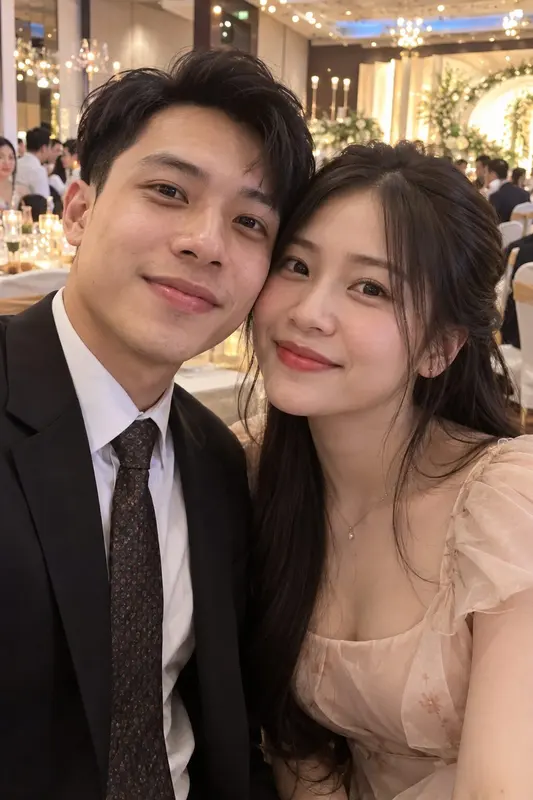
 azSlideWedding
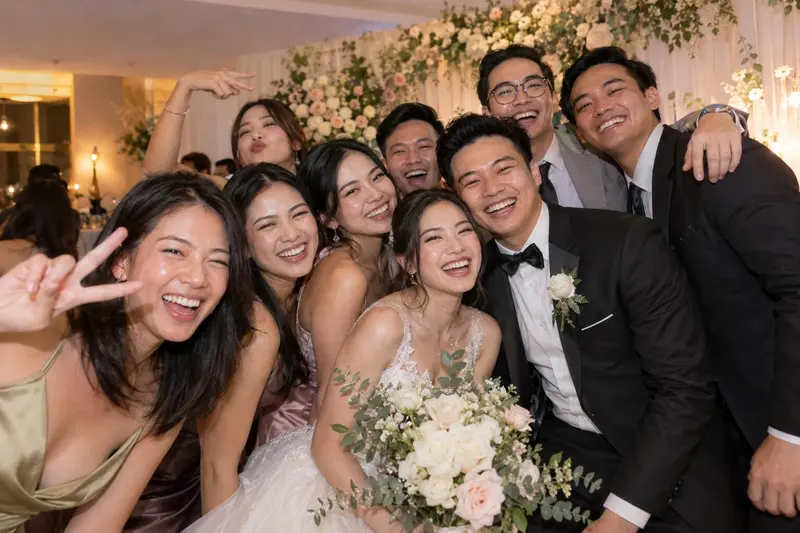 Class of 2015“First wedding of our class. So much love to you both!”
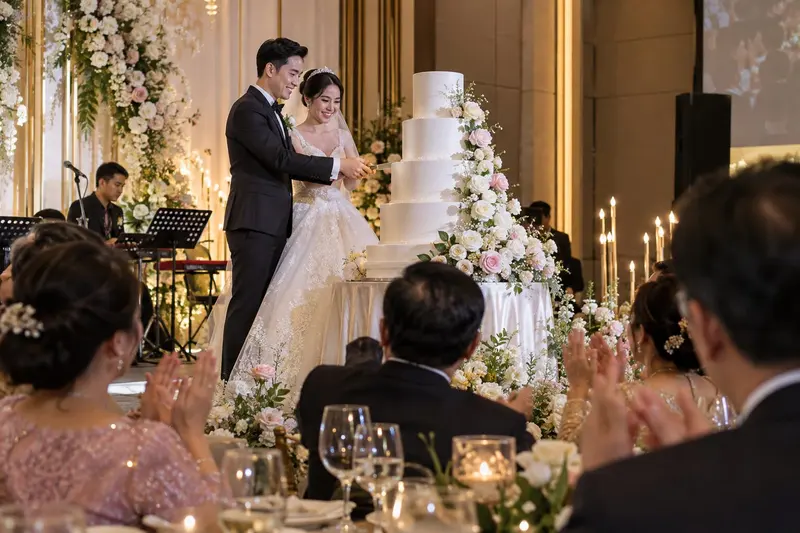 Tita Rose“What a beautiful wedding! Wishing you a long, happy life together.”
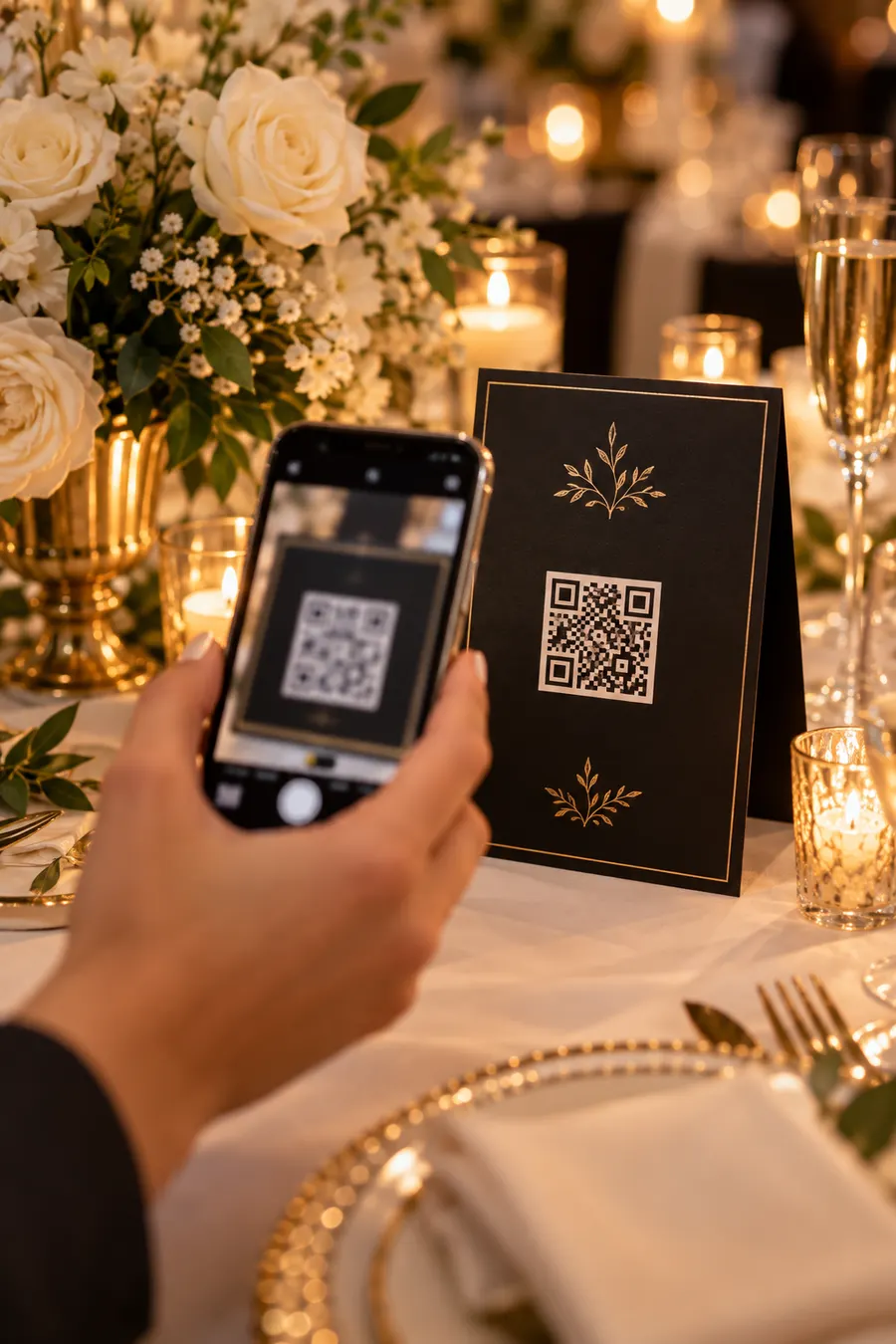 No app or account~2 s to the screen